Add New Address
To add a new address, do these steps:
- Select My-Sub Account from the sidebar menu.
- Click an account in the table to display the account details page.
- Select the Addresses tab.
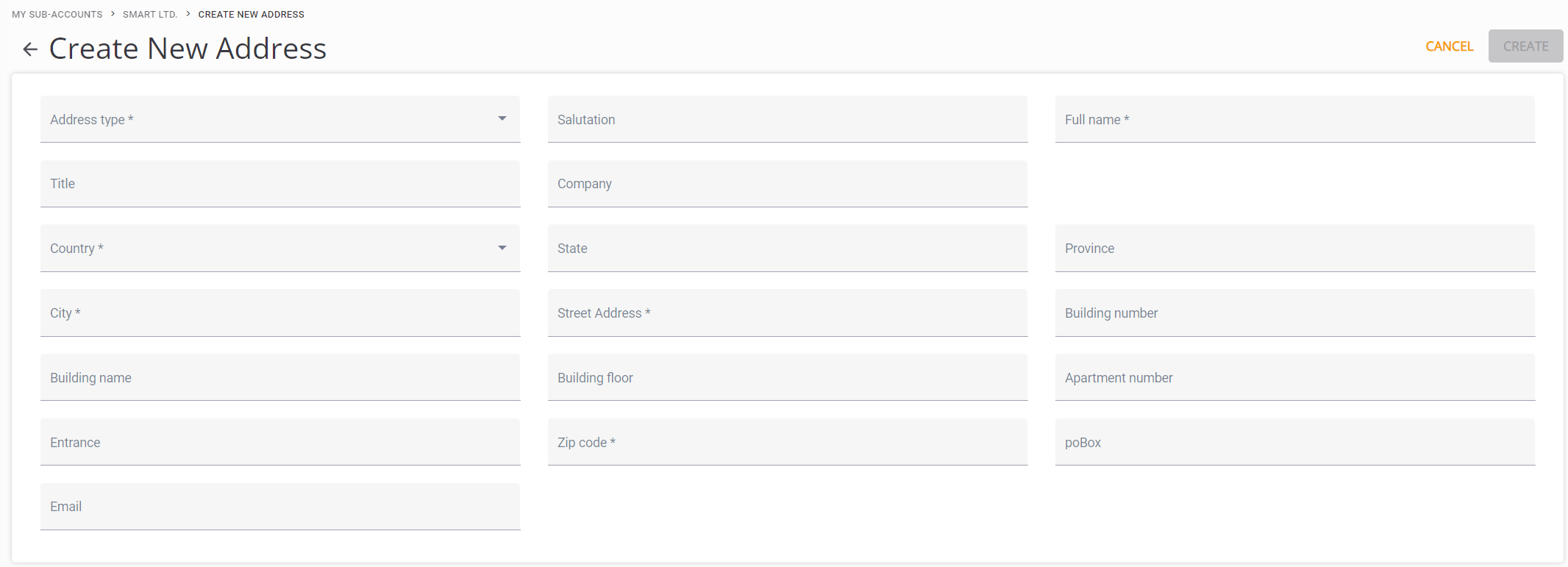
- Click the + Address button to display the Create New Address page.
- Enter information for all the contact fields and click Create.
Here is a screen capture of the Create New Address page.